How to Calculate Instagram Impressions
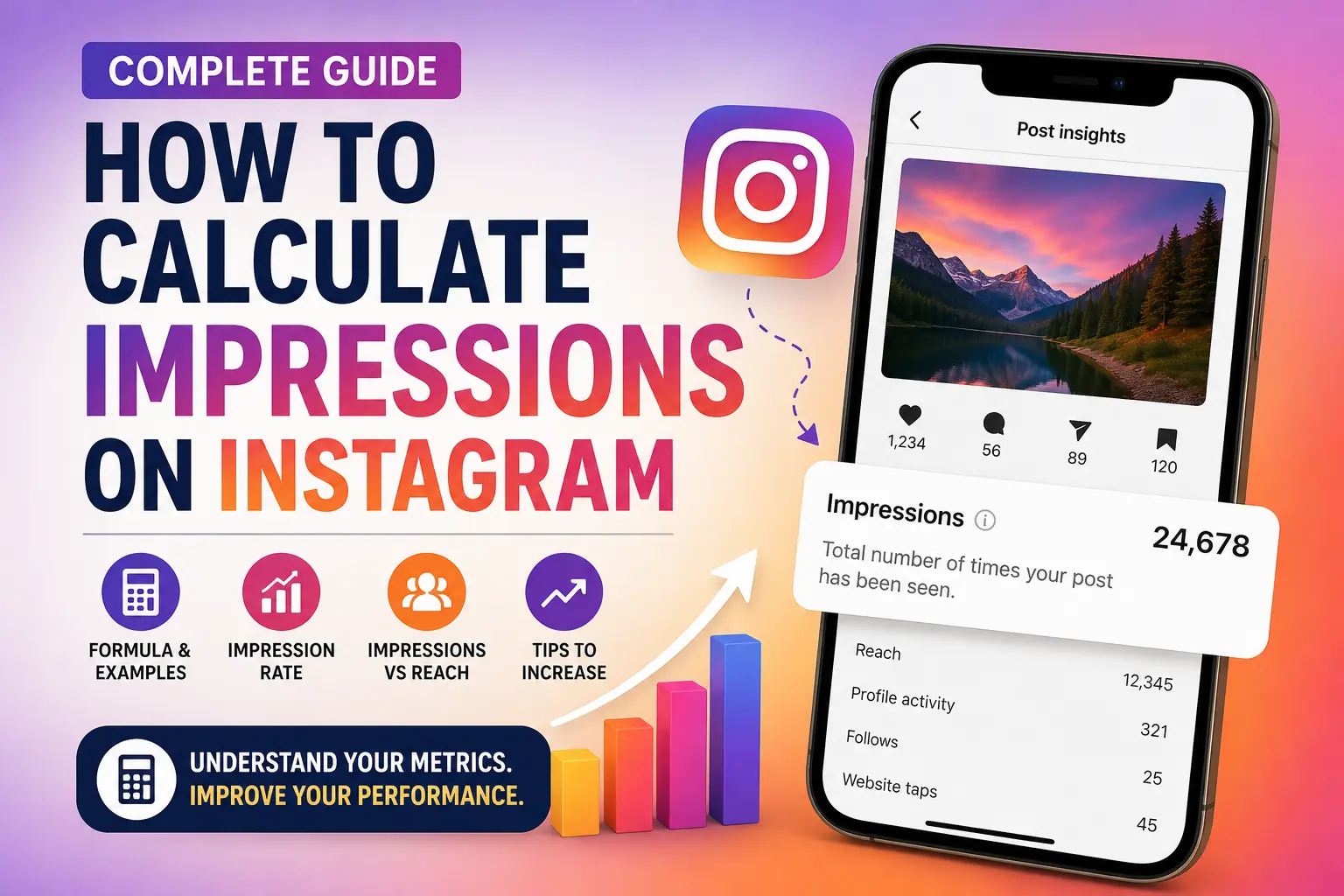
This guide on how to calculate impressions on Instagram breaks down the exact math behind the metric — because impressions aren’t the same as reach. One counts people, the other counts every glance. Here’s the formula, worked examples, and how to move the number.
01What Are Instagram Impressions?
Understanding how to calculate impressions on Instagram starts with knowing exactly what the metric means. Instagram impressions represent the total number of times your content appears on users’ screens. Unlike reach, impressions count every view — even if the same person sees your post five times scrolling back through their feed.
Only three unique people saw the post — but the impression count is eight.
Why it matters
High impressions usually signal strong content distribution, repeat visibility, good hashtag performance, Explore-page exposure, or a well-running ad. Brands lean on the metric to track brand awareness, campaign performance, ad visibility, and overall content effectiveness.

02Impressions vs. Reach
Before going further into how to calculate impressions on Instagram accurately, it helps to separate this metric from reach — the two are the most commonly confused numbers on the platform.
| Metric | What it means |
|---|---|
| Reach | Number of unique accounts that viewed your content |
| Impressions | Total number of times your content was displayed, repeats included |
That’s the whole rule in one line: impressions are always equal to or greater than reach.
How Instagram counts a view
Every time someone sees your feed post, Story, Reel, carousel, ad, or an Explore listing, Instagram logs one impression — even a feed refresh that resurfaces the same post counts again.
03The Formula
Here’s the core formula behind how to calculate impressions on Instagram. Instagram Insights calculates this for you automatically, but the underlying logic is simple:
04Estimating Impressions Manually
No access to Insights? Estimate using reach and expected viewing frequency.
- Estimate your reach — e.g. 3,000 people.
- Estimate average viewing frequency — e.g. 1.7 views per person.
- Multiply the two: 3,000 × 1.7 = 5,100 impressions.
It won’t be exact, but it’s a reasonable stand-in when Insights isn’t available.
05Where to Find the Real Number
If you’d rather see the exact figure instead of estimating how to calculate impressions on Instagram by hand, here’s exactly where to look.
On a Professional / Creator account
- Open Instagram → your profile
- Tap Professional Dashboard
- Open Insights
- Select the content
- View the Impressions metric
For advertisements
- Open Meta Ads Manager
- Select your campaign
- Review the Impressions column
06Impression Rate & Frequency
Impression rate
That means the post generated impressions equal to twice the account’s follower count.
Frequency
Each viewer saw the content roughly 2.13 times on average.
07What Moves the Number
Once you know how to calculate impressions on Instagram, the next question is what actually moves that number.
Posting time
Publishing when your followers are active increases visibility.
Reels
Instagram currently prioritizes Reels, often driving far more impressions than static posts.
Hashtags
Relevant, niche tags improve discoverability without diluting relevance.
Engagement
Likes, comments, shares, and saves signal Instagram to show your post to more people.
Explore page
Getting featured on Explore can dramatically increase impressions.
Shares
Every share opens the door to a new audience — and new impressions.
Paid advertising
Ads extend visibility well beyond your organic follower base.
Organic vs. paid impressions
Organic
- Followers
- Hashtags
- Explore
- Shares
- Search
Paid
- Instagram Ads
- Sponsored posts
- Meta advertising campaigns
Ways to increase impressions
- Create more Reels — short-form video is still favored by the algorithm
- Post consistently to keep your audience engaged
- Use trending audio to extend Reels’ reach
- Write captions that hold attention and invite interaction
- Use niche-specific hashtags instead of broad, generic ones
- Create content people actually want to share
- Post at peak hours based on your own Insights data
- Collaborate with other creators to tap new audiences
Common mistakes
- Assuming impressions equal unique viewers
- Ignoring frequency entirely
- Comparing impressions across different content types without context
- Chasing impressions while ignoring real engagement
- Buying fake engagement to inflate the numbers
08Frequently Asked Questions
Can impressions be higher than reach?
Yes. A single user can view your content multiple times, which increases impressions while reach stays the same.
Do my own views count as impressions?
Instagram’s reporting is built to reflect audience activity — repeatedly viewing your own content isn’t a reliable way to inflate meaningful metrics.
Which content gets the most impressions?
Reels tend to lead, since Instagram actively recommends them to people beyond your existing followers.
Are Story impressions counted multiple times?
Yes — every time someone re-views your Story, it adds to the total impression count.
Can I calculate impressions without Instagram Insights?
Only approximately, using reach × average frequency. Exact figures require Instagram Insights or Meta Ads Manager.
09Conclusion
Instagram impressions measure how many times your content is displayed, making them one of the most valuable metrics for evaluating visibility and brand awareness. While Instagram automatically tracks impressions through Insights, understanding the calculation behind the metric helps you interpret campaign performance more effectively.
Now that you know how to calculate impressions on Instagram, remember that impressions differ from reach because they include repeated views by the same users. By creating engaging content, posting consistently, using relevant hashtags, and analyzing your metrics, you can steadily increase your Instagram impressions and expand your audience.
If you’re running paid Instagram campaigns, pair your impression data with a Cost Per Impression Calculator to better understand your advertising costs and maximize the effectiveness of every marketing dollar.
Free tool
Use Our Free Cost Per Impression Calculator
If you’re running Instagram ads, calculating your advertising efficiency is just as important as tracking impressions. Our Cost Per Impression Calculator helps you quickly determine how much you’re paying for every thousand impressions (CPM). Simply enter your advertising spend and total impressions to receive accurate results in seconds.
Whether you’re managing Instagram, Facebook, LinkedIn, or other display campaigns, the calculator makes campaign analysis fast and effortless. Using the calculator regularly can help you:
- Compare advertising campaigns
- Optimize marketing budgets
- Improve return on investment (ROI)
- Lower advertising costs
- Make data-driven marketing decisions